Billing
Bills grouped by owner, with what's outstanding and what's been paid — no in-app payment, just a record of what's owed.
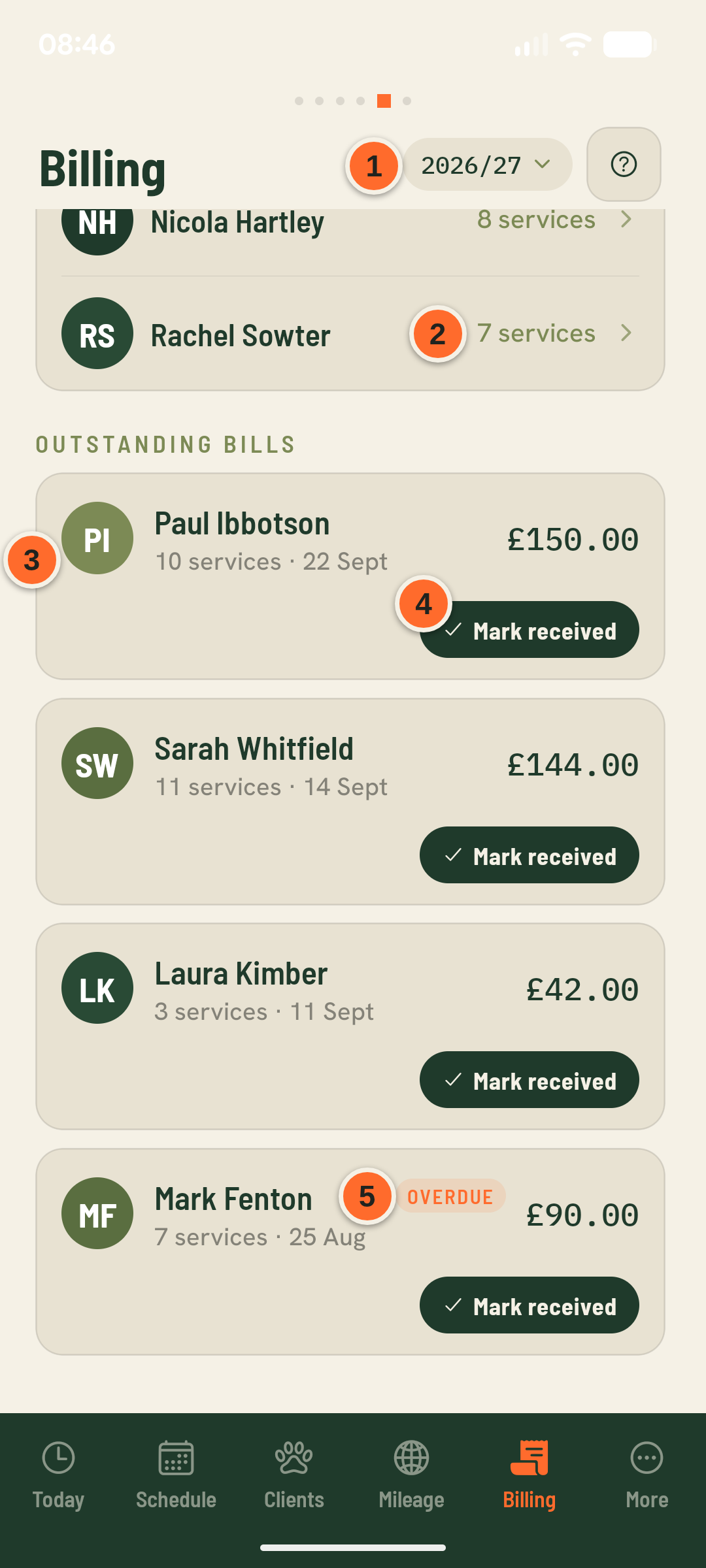
- 12026/27
Filters outstanding and paid bills to the tax year selected here.
- 2Needs billing
Every owner with unbilled services. Tap one to choose which services go on a bill — see the recurring-bookings-and-invoicing guide.
- 310 services · 22 Sept
How many services the bill covers, and the date of the last one. A bill holds whichever unbilled services you picked — not automatically one bill per week.
- 4Mark received
Marks the bill as paid. It doesn't send anything or take payment — Barkerway has no in-app card payments.
- 5Overdue
The bill is past the due date set by your payment terms and still unpaid.